FullScreen Reminder
The macOS app that makes sure you never miss a calendar event by flashing a full-screen overlay right before it starts.
The macOS app that makes sure you never miss a calendar event by flashing a full-screen overlay right before it starts.
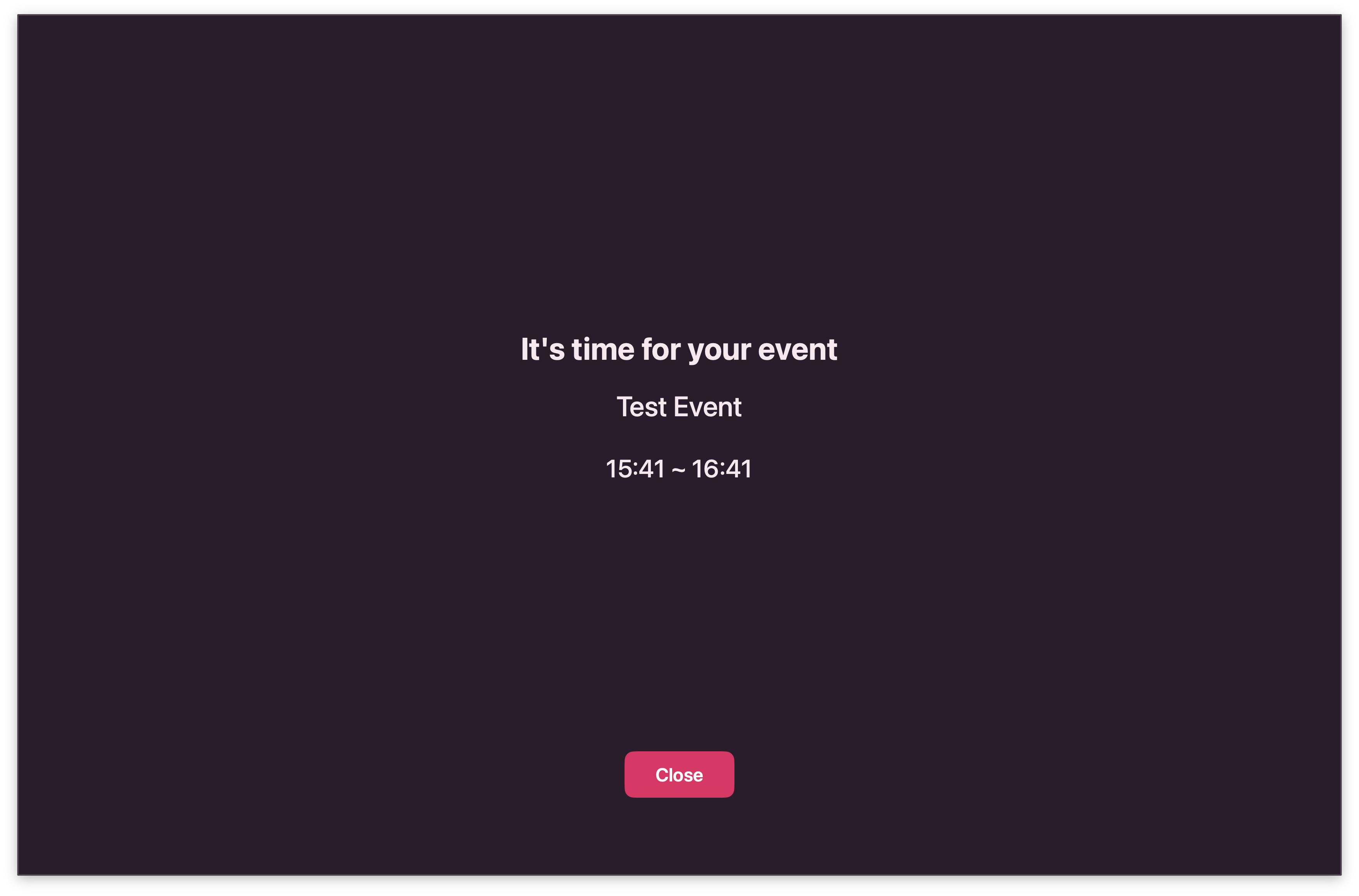
A full-screen overlay appears on every display right before your event starts. No more missing meetings while deep in work.
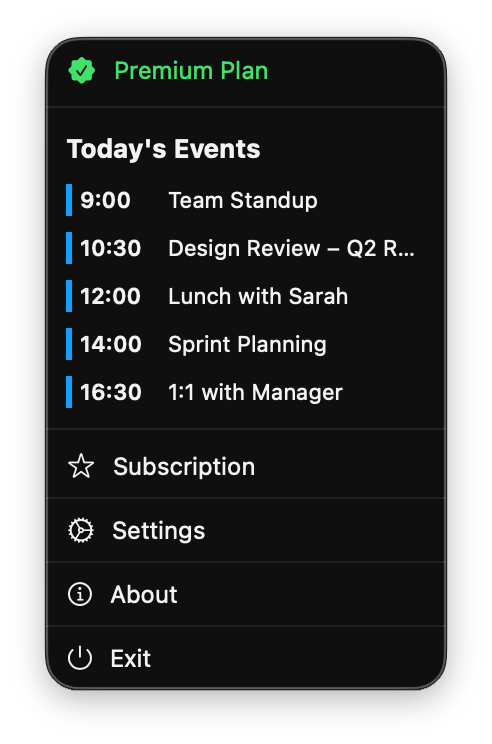
Quickly view today's events from the menu bar. Access settings and subscription management in one place.
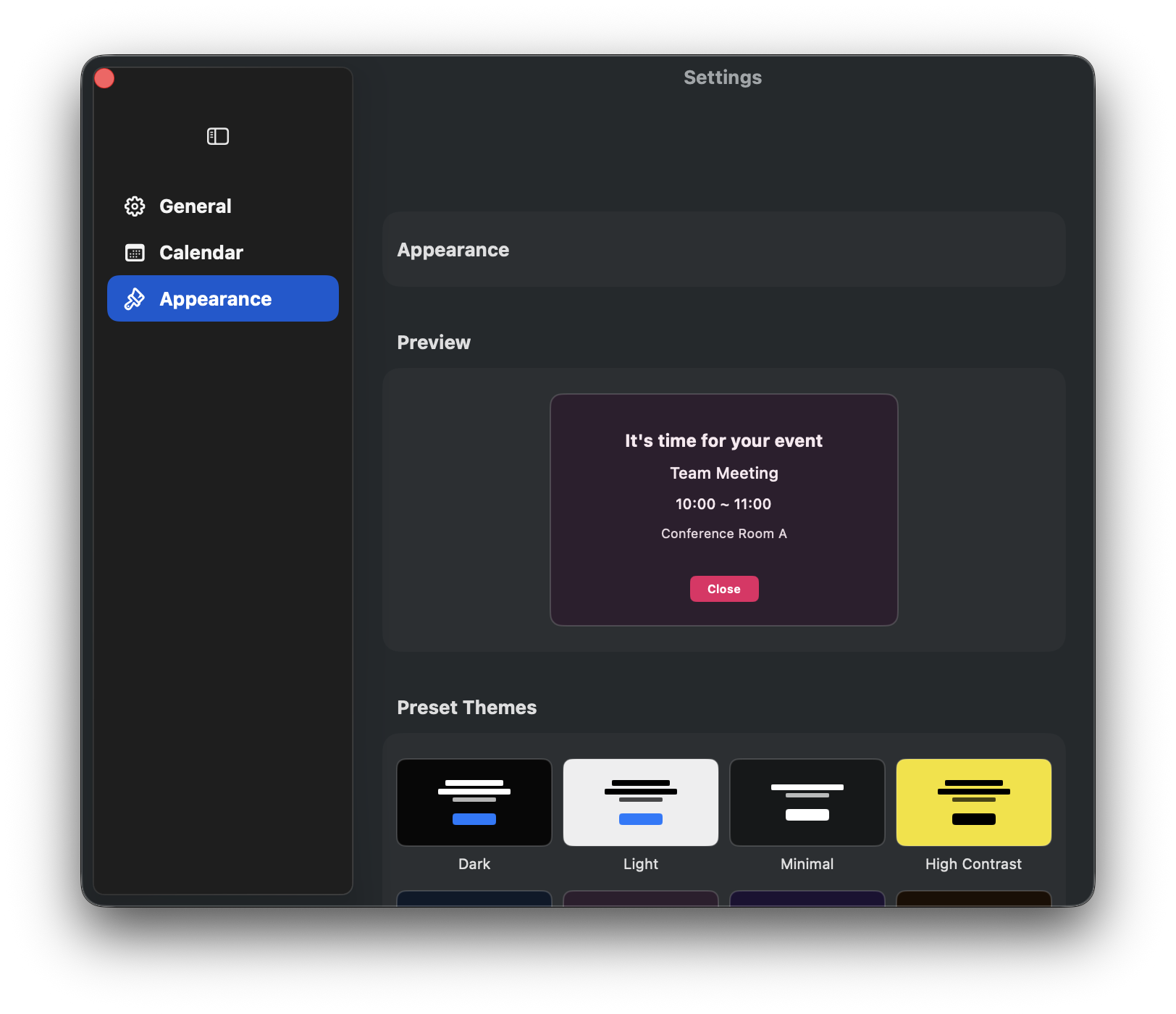
Choose from preset themes or customise background and text colours. Make the notification screen match your style.
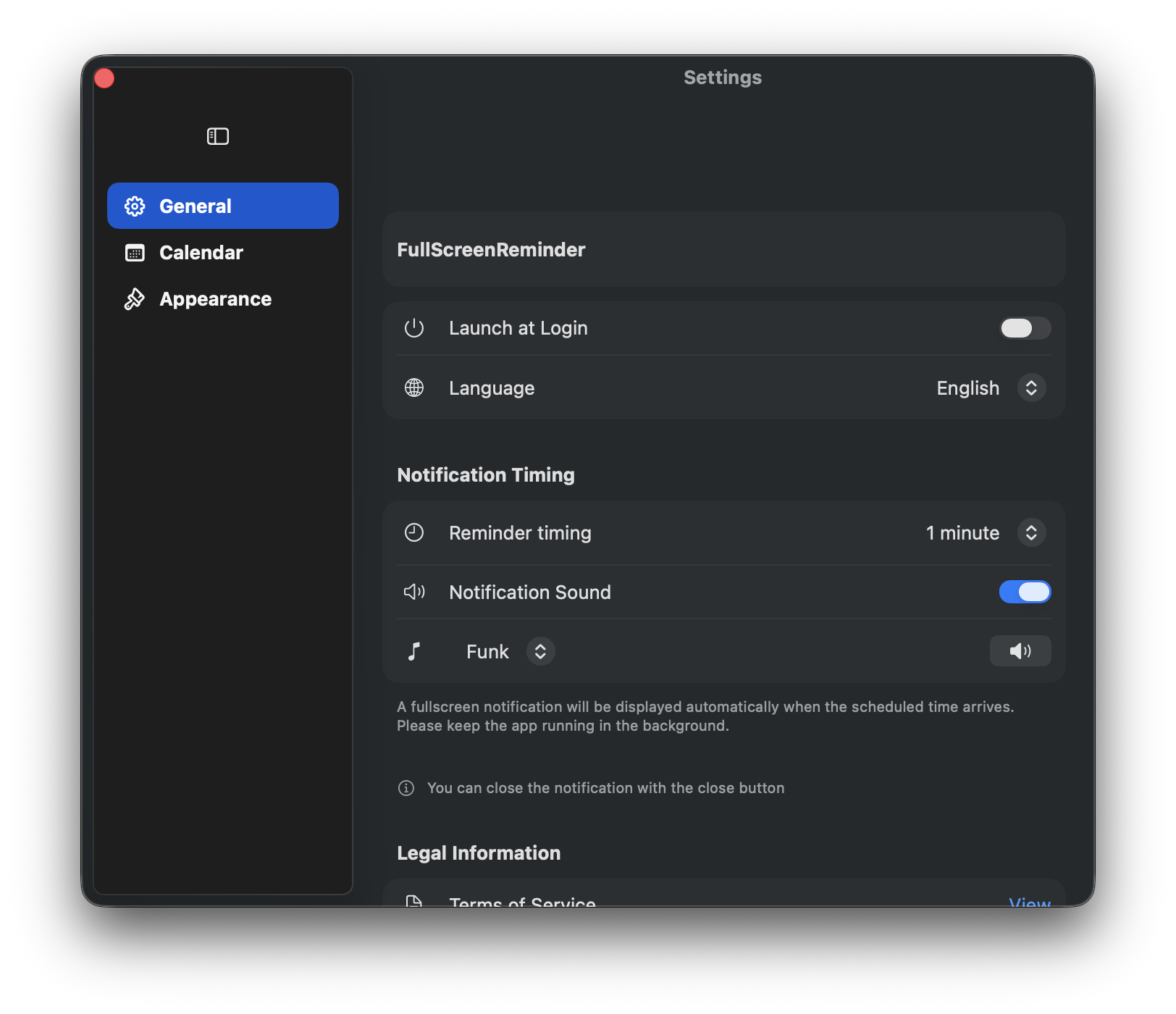
Adjust notification timing, sounds, and other reminder settings to suit your workflow.
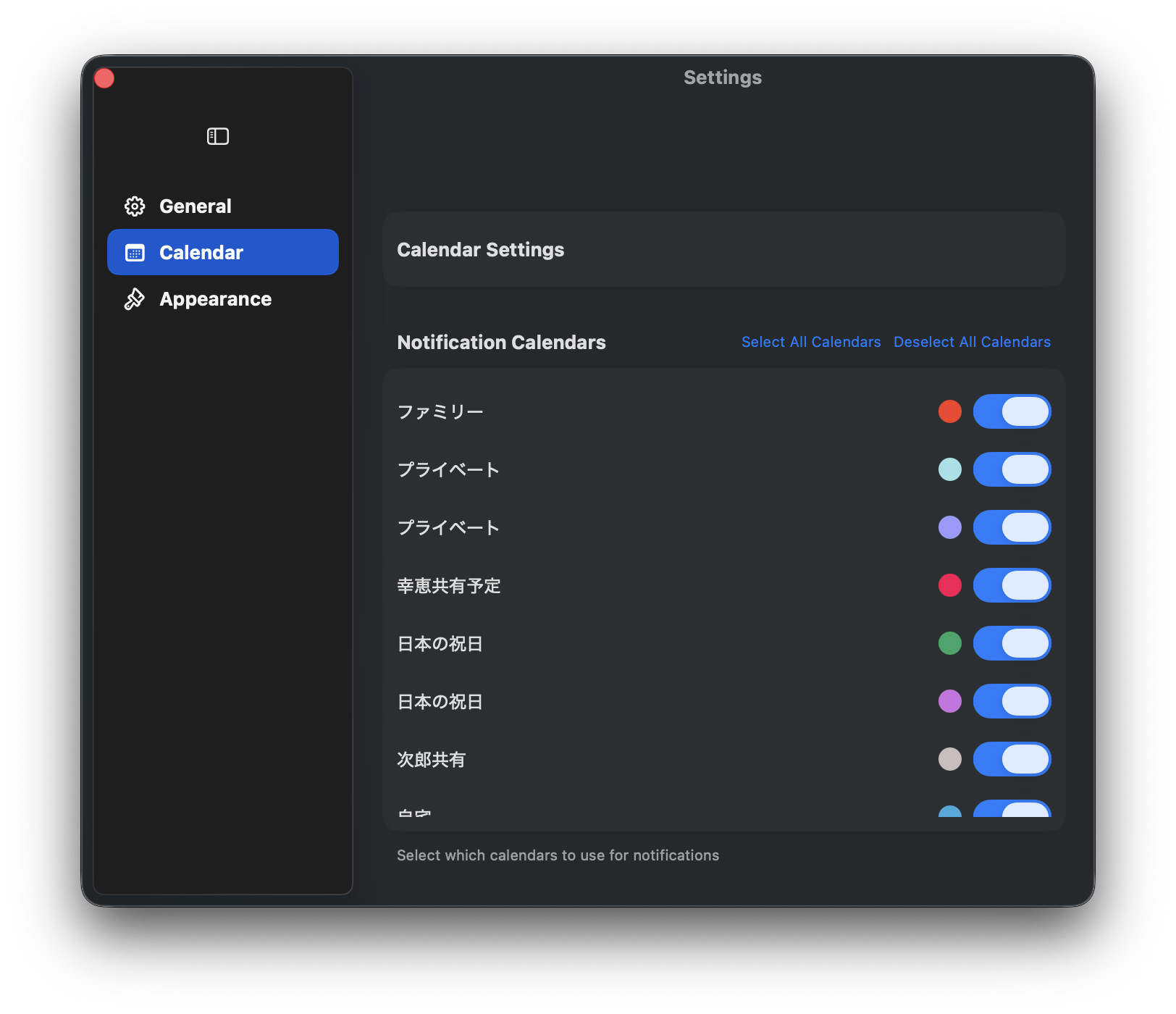
Select which calendars trigger notifications. Show only work, personal, or any combination you need.
FullScreen Reminder connects to your macOS Calendar and presents a full-screen reminder on every connected display a few minutes before an event begins (default: 1 minute).
Download and install from the Mac App Store.
On first launch, grant Calendar and Notification permissions when prompted.
Use your Mac as usual. When an event is 1 minute away, the full-screen overlay appears.
Click the Close button in the upper-right corner to dismiss the overlay.
| Feature | Free | Premium |
|---|---|---|
| Full-screen event alerts | ✓ | ✓ |
| Multiple-display support | ✓ | ✓ |
| Events displayed per day | 2 | Unlimited |
Menu Bar ▸ Subscription
No. FullScreen Reminder is intentionally simple and has no customisation options.
The app stays idle until an event is close. CPU usage is negligible.
Two full-screen alerts per calendar day. Upgrade to Premium for unlimited events.
Menu ▸ Exit, then reopen.We never collect or store your calendar data. All processing happens locally on your Mac.
Have ideas or found a bug? Leave a review on the Mac App Store — we read every one!